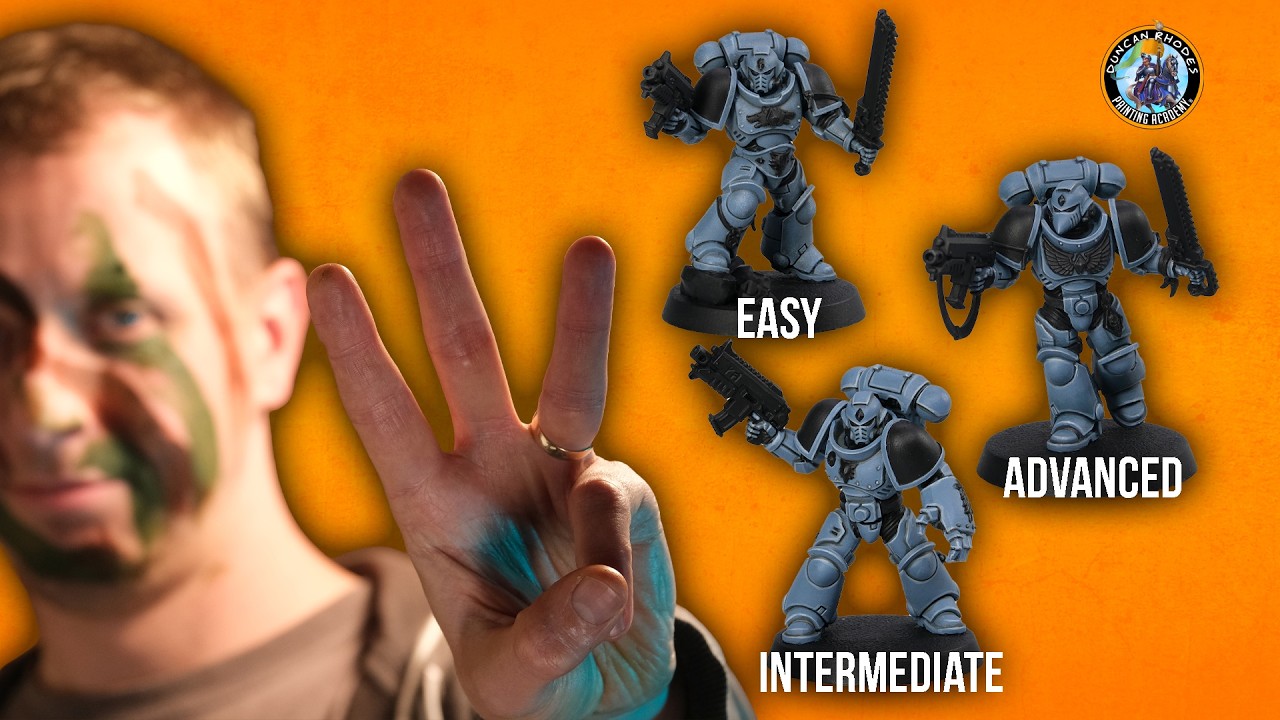
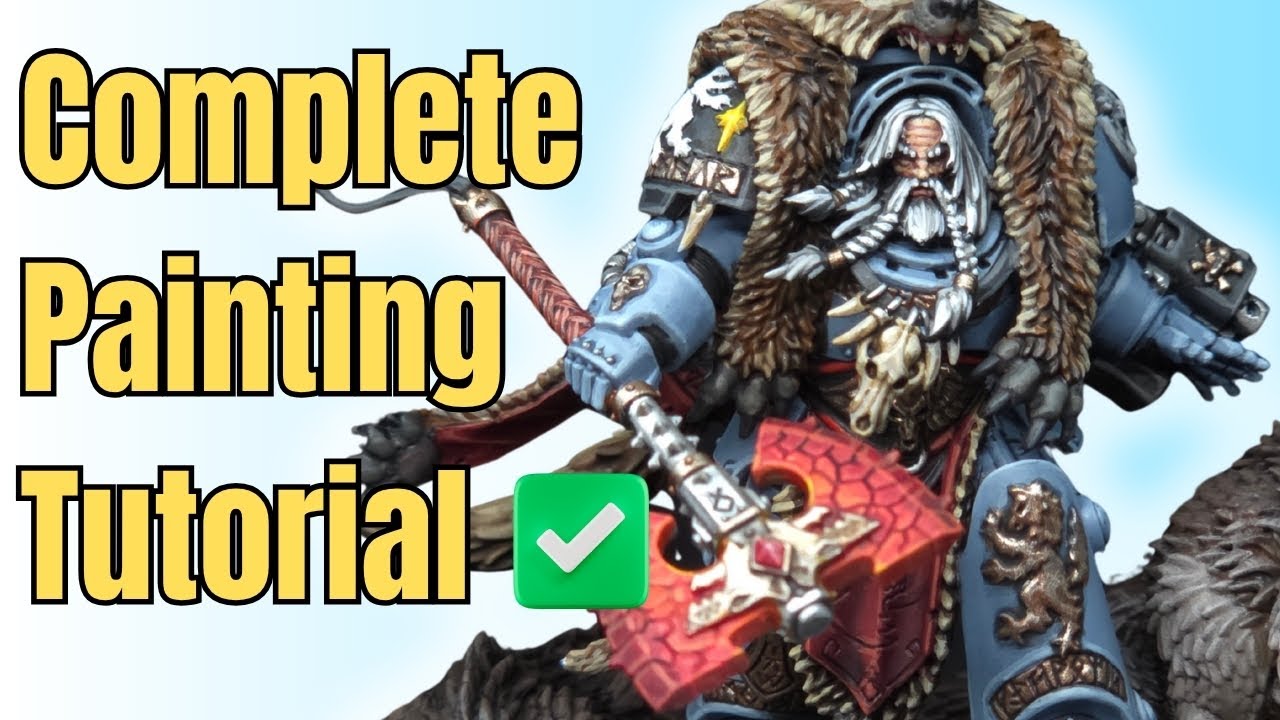
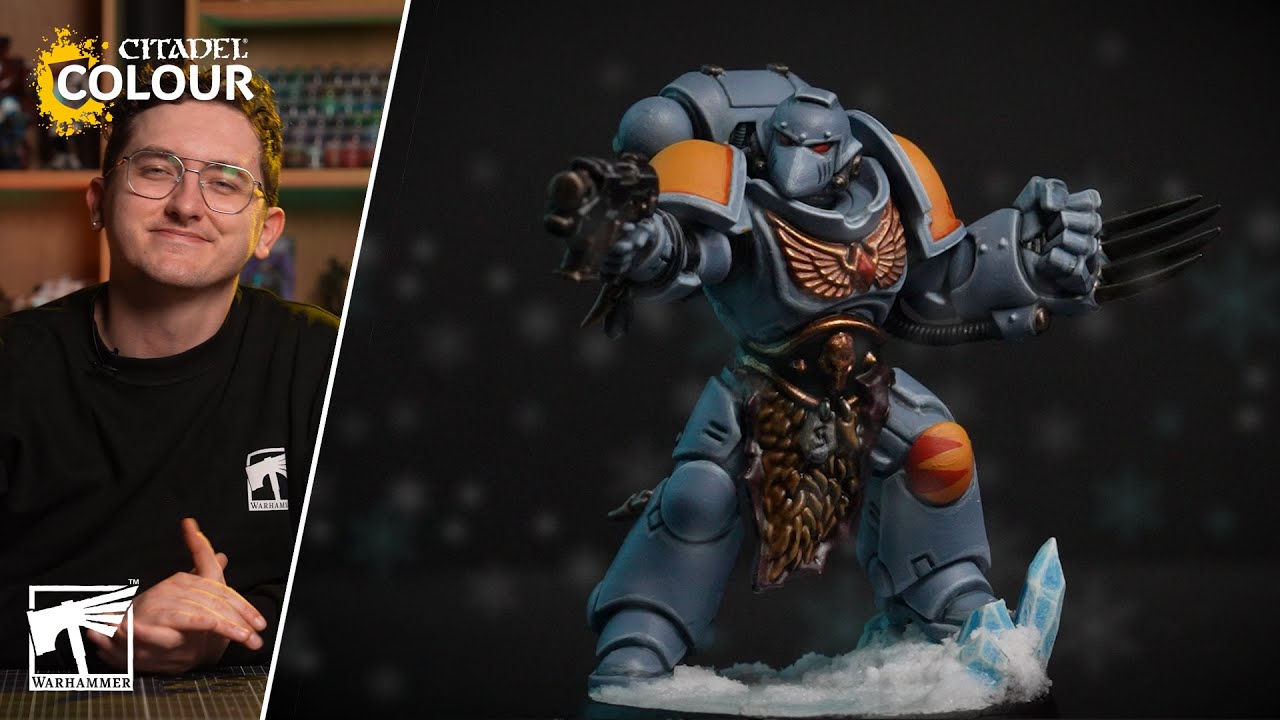
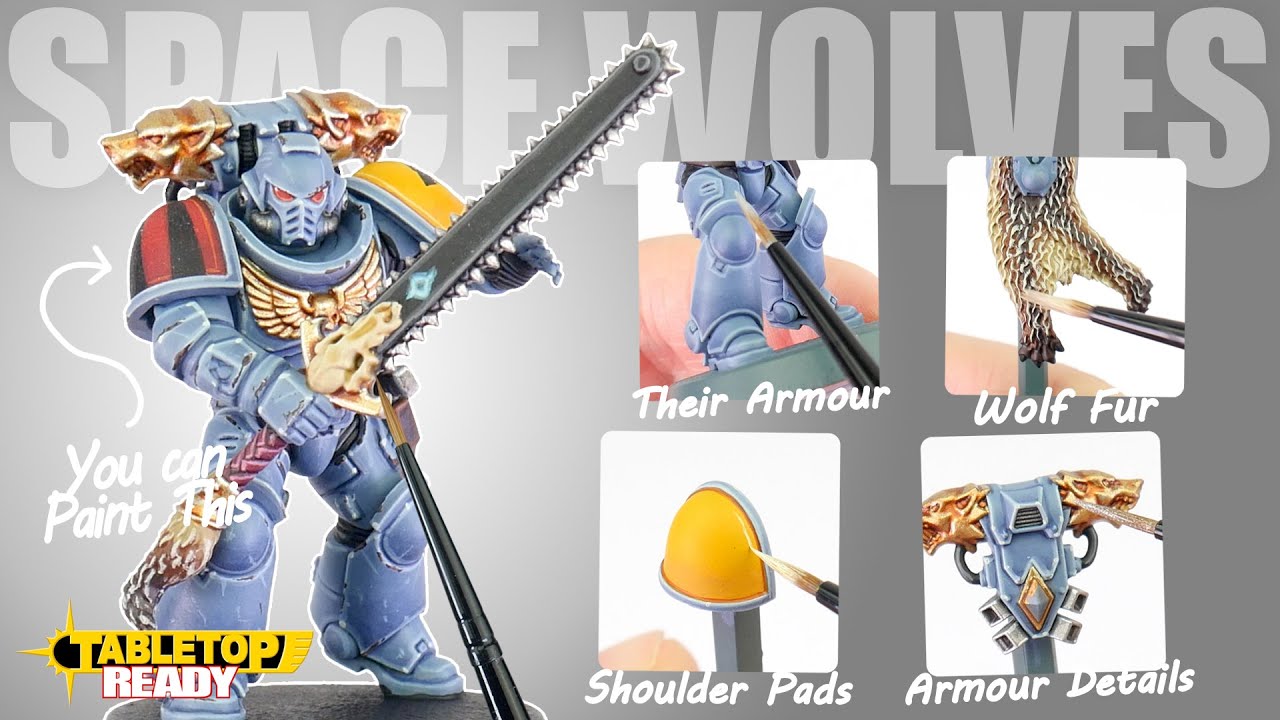
This tutorial demonstrates how to paint a Space Wolf Blood Claw miniature from Warhammer 40,000. It covers priming, base coating various elements like armour, metallics, and leather, applying washes for depth, and highlighting with multiple layers to achieve a crisp finish. The video also shows how to paint details like eye lenses, chest gems, and pack markings.
Steps
Primer
-
Prime the model using Mechanicus Standard Grey spray.
Mechanicus Standard Grey Warhammer Colour (Citadel)
Power Armour
6 steps-
1. Base all of the armour, using two thin coats for even coverage.
Russ Grey Warhammer Colour (Citadel) -
2. Mix three parts Space Wolves Grey Contrast Paint, one part Black Templar Contrast Paint, and three parts Contrast Medium. Drop this into the recesses and armour lines, focusing on areas between armour panels, without flooding the model.
Space Wolves Grey Warhammer Colour (Citadel) -
3. Mix three parts Space Wolves Grey Contrast Paint, one part Black Templar Contrast Paint, and three parts Contrast Medium. Drop this into the recesses and armour lines, focusing on areas between armour panels, without flooding the model.
Black Templar Warhammer Colour (Citadel) -
4. Mix three parts Space Wolves Grey Contrast Paint, one part Black Templar Contrast Paint, and three parts Contrast Medium. Drop this into the recesses and armour lines, focusing on areas between armour panels, without flooding the model.
Contrast Medium Warhammer Colour (Citadel) -
5. Highlight the armour using a small amount of thinned paint by dragging the brush along all sharp, upward-facing edges. Pull twice if needed to achieve desired thickness.
Fenrisian Grey Warhammer Colour (Citadel) -
6. Apply a final highlight to the most prominent upward-facing edges. Thin with a little water, use hardly any paint on the brush, and drag it along the edges, keeping it inside the Fenrisian Grey from the previous stage.
Blue Horror Warhammer Colour (Citadel)
Black Elements
3 steps-
1. Base all of the black elements (chainsaw case, bolt pistol case, rubber joints throughout the armour, etc.).
AK Intense Black AK Interactive -
2. Highlight the black elements by dragging the paint across sharp edges. If any areas are too chunky or mistakes are made, correct them with the black basecoat.
Eshin Grey Warhammer Colour (Citadel) -
3. Apply the sharpest highlight to the black elements. Use sparingly by dragging the brush carefully, keeping the paint inside the Eshin Grey from the previous step.
Dawnstone Warhammer Colour (Citadel)
Leather Elements
3 steps-
1. Base all of the leather elements (belt, knife sheath), being careful around areas that will be lighter later.
Rhinox Hide Warhammer Colour (Citadel) -
2. Highlight the leather elements. Paint most of the leather, leaving the Rhinox Hide in the recesses.
Doombull Brown Warhammer Colour (Citadel) -
3. Finish highlighting the leather by dragging the brush along sharp edges, keeping the paint inside the Doombull Brown from the previous stage.
Skrag Brown Warhammer Colour (Citadel)
Gold Elements
4 steps-
1. Base anything that needs to be gold (chest iconography, chainsword hilt/pommel, bits, and pieces) using two thin coats for good coverage.
Balthasar Gold Warhammer Colour (Citadel) -
2. Shade the gold metallic elements by working the Nuln Oil into the recesses, without applying too heavily or causing flooding.
Nuln Oil Warhammer Colour (Citadel) -
3. Highlight the gold elements by picking out the brighter gold elements, leaving the darker colour in the recesses.
Sycorax Bronze Warhammer Colour (Citadel) -
4. Finish off gold elements by sparingly highlighting the sharpest elements, using a small brush with minimal paint.
Canoptek Alloy Warhammer Colour (Citadel)
Silver Elements
3 steps-
1. Base all of the silver elements (chainsword exhaust, chain blades, mechanical elements of the bolt pistol, vents on backpack, etc.).
Dark Aluminium Vallejo -
2. Shade the silver metallic elements by working the Nuln Oil into the recesses, without applying too heavily or causing flooding.
Nuln Oil Warhammer Colour (Citadel) -
3. Highlight the silver elements. Thin with a tiny bit of water to help it flow better, do not put too much on the brush. Drag the brush along sharp edges or draw lines.
Chrome Vallejo
Shoulder Pads (Yellow elements)
5 steps-
1. Basecoat the shoulder pad inserts with yellow, using very thin coats to avoid lumpiness or chalkiness. Try not to spill onto the trim.
Averland Sunset Warhammer Colour (Citadel) -
2. Boost the yellow by painting a thin coat over the Averland Sunset once dry.
Imperial Fist Warhammer Colour (Citadel) -
3. Add definition between the insert and the shoulder trim by running a little Agrax Earthshade down, ensuring not to flood the area.
Agrax Earthshade Warhammer Colour (Citadel) -
4. Apply a thin line highlight between the darkest part of the insert and the yellow.
Flash Gitz Yellow Warhammer Colour (Citadel) -
5. Boost the highlight a little bit towards the top by painting inside the Flash Gitz Yellow from the previous stage.
Dorn Yellow Warhammer Colour (Citadel)
Eye Lenses & Chest Gem
4 steps-
1. Basecoat the gem on the chest and the eye lenses in the helmet. Keep paint inside the lines and avoid spilling.
AK White AK Interactive -
2. Paint over the AK White for the eye lenses and gem on the chest.
Baal Red Warhammer Colour (Citadel) -
3. Mix Baal Red Contrast Paint into AK White on the palette for a bright pink. Dot the center of the Space Marine eye for a glow effect.
Baal Red Warhammer Colour (Citadel) -
4. Mix Baal Red Contrast Paint into AK White on the palette for a bright pink. Drag the mix down the hard edges of the gem for a reflective light.
AK White AK Interactive
Accessories
9 steps-
1. Base all of the teeth, runes, and the bag around the waist. One coat should be fine for the teeth.
Rakarth Flesh Warhammer Colour (Citadel) -
2. Base any runes and the bag in a nice grey colour.
Dawnstone Warhammer Colour (Citadel) -
3. Wash the teeth, runes, and bag using Agrax Earthshade. Ensure it gets into all recesses and does not pull too heavily anywhere.
Agrax Earthshade Warhammer Colour (Citadel) -
4. Highlight the teeth by dragging the brush along the sharp edges, leaving some of the darker colour in the recesses.
Rakarth Flesh Warhammer Colour (Citadel) -
5. Mix AK White into the Rakarth Flesh on the palette. Highlight inside the Rakarth Flesh from the last stage to add interest and a highlight.
AK White AK Interactive -
6. Mix AK White into the Rakarth Flesh on the palette. Highlight inside the Rakarth Flesh from the last stage to add interest and a highlight.
Rakarth Flesh Warhammer Colour (Citadel) -
7. Highlight the runes and bag with Dawnstone, leaving the darker colour in the recesses. Take your time and do not apply too heavily.
Dawnstone Warhammer Colour (Citadel) -
8. Mix a little AK White into the Dawnstone. Highlight by dragging the brush along the edge to get a nice crisp finish.
AK White AK Interactive -
9. Mix a little AK White into the Dawnstone. Highlight by dragging the brush along the edge to get a nice crisp finish.
Dawnstone Warhammer Colour (Citadel)
Pack Markings
5 steps-
1. Paint two red triangles onto the shoulder pad. Put a dot with Baal Red Contrast Paint for the top of each triangle. Space three dots across the bottom of the shoulder pad equidistant from each other and the top two dots. Join them up with lines.
Baal Red Warhammer Colour (Citadel) -
2. Fill in the triangles very carefully, avoiding spilling onto other areas.
Baal Red Warhammer Colour (Citadel) -
3. Draw some straight lines with Flash Gitz Yellow onto the triangles to add a highlight and tidy them up.
Flash Gitz Yellow Warhammer Colour (Citadel) -
4. Take the pink mix (Baal Red and AK White) and draw some sharp lines across the parts of the triangles that will catch the most light.
Baal Red Warhammer Colour (Citadel) -
5. Take the pink mix (Baal Red and AK White) and draw some sharp lines across the parts of the triangles that will catch the most light.
AK White AK Interactive
Paints used
23 paints- Mechanicus Standard Grey Warhammer Colour (Citadel) · Base
- Russ Grey Warhammer Colour (Citadel) · Layer
- Space Wolves Grey Warhammer Colour (Citadel) · Contrast
- Black Templar Warhammer Colour (Citadel) · Contrast
- Contrast Medium Warhammer Colour (Citadel) · Technical
- Fenrisian Grey Warhammer Colour (Citadel) · Layer
- Blue Horror Warhammer Colour (Citadel) · Layer
- Eshin Grey Warhammer Colour (Citadel) · Layer
- Dawnstone Warhammer Colour (Citadel) · Dry
- Rhinox Hide Warhammer Colour (Citadel) · Base
- Doombull Brown Warhammer Colour (Citadel) · Layer
- Skrag Brown Warhammer Colour (Citadel) · Layer
- Balthasar Gold Warhammer Colour (Citadel) · Base
- Nuln Oil Warhammer Colour (Citadel) · Shade
- Sycorax Bronze Warhammer Colour (Citadel) · Layer
- Canoptek Alloy Warhammer Colour (Citadel) · Layer
- Averland Sunset Warhammer Colour (Citadel) · Base
- Imperial Fist Warhammer Colour (Citadel) · Contrast
- Agrax Earthshade Warhammer Colour (Citadel) · Shade
- Flash Gitz Yellow Warhammer Colour (Citadel) · Layer
- Dorn Yellow Warhammer Colour (Citadel) · Layer
- Baal Red Warhammer Colour (Citadel) · Contrast
- Rakarth Flesh Warhammer Colour (Citadel) · Base